
All practical guides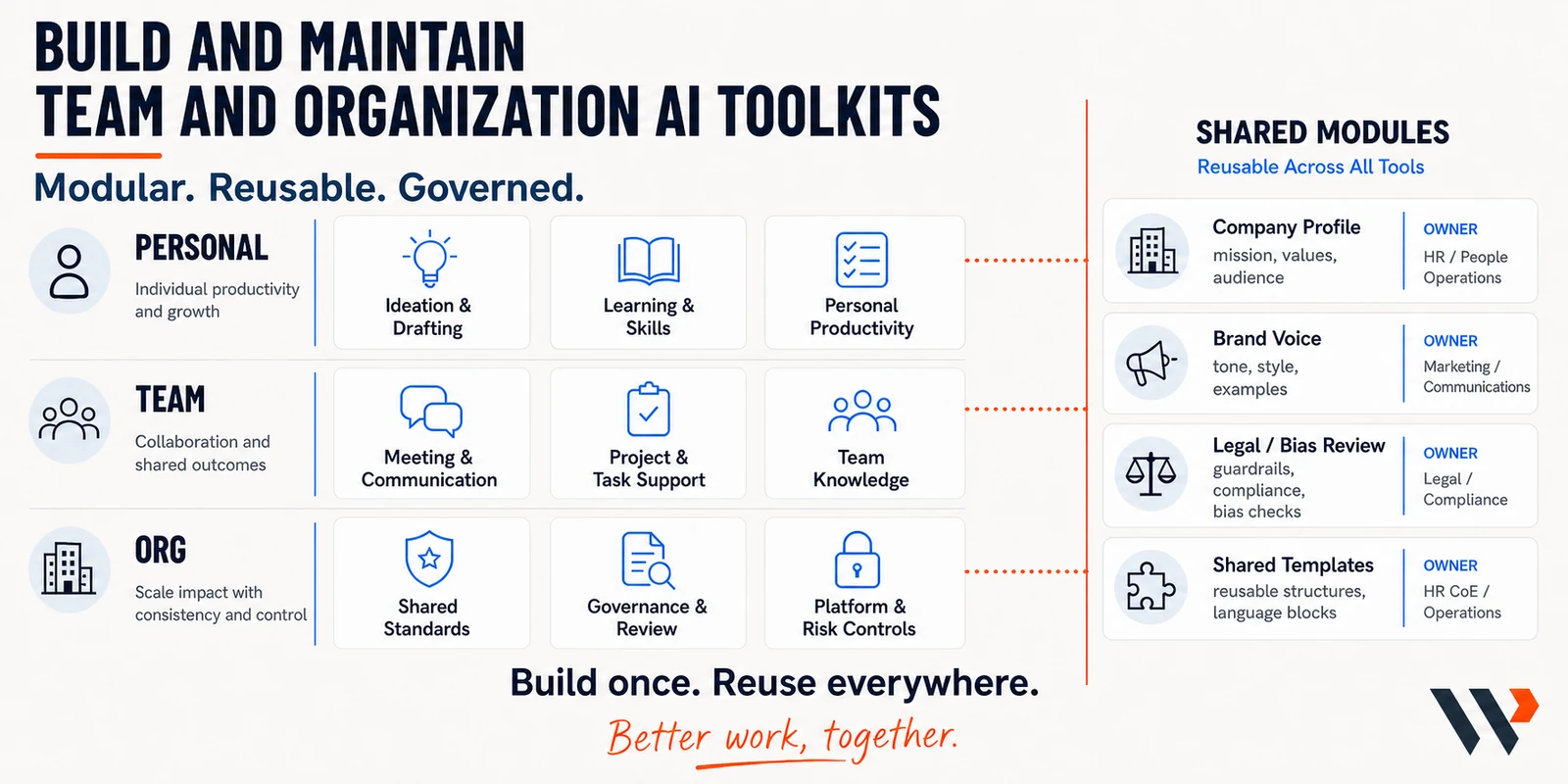
Build a shared team AI toolkit
A useful prompt shared once disappears in chat. A team toolkit is a small shared library with a home, an owner, and a way to improve what works.
- 1
Start with one shared win
One real work moment, one tested asset, and a folder the team can open.
- 2
Decide what earns a slot
Share it when several people can reuse it, or when a shared version makes the work more consistent. Test it in a fresh chat first.
- 3
Prepare files the team can trust
A clear title, headings, defined terms, and content that is still current. Keep stable standards separate from this week's notes.
- 4
Label it so anyone can run it
A plain name, when to use it, what to bring, what to watch, and an owner.
- 5
Maintain lightly
Review when something breaks or the source changes. Archive what nobody uses.
Read the full guide
Member access. The full guide includes the starter pack, what to share, and what to keep local.
How-toMember guide
All practical guides